10 UX/UI Design Trends Transforming Digital Products in 2026
Iftikhar Ahmad Khan
Co-Founder & Content Strategist
UX and UI design in 2026 serve as foundational infrastructure within digital products. Interfaces no longer exist as mere visual skins applied after functionality is built. They act as the primary channel for users to delegate tasks, interpret AI reasoning, and navigate information without excessive effort.
Attention fragments quickly across devices and notifications. Trust in automated decisions erodes when systems fail to explain themselves. Users experience fatigue from interfaces that demand constant input or hide their logic behind opaque processes. These pressures force designers to treat every element as deliberate infrastructure that either reduces friction or introduces thoughtful guidance.
The patterns outlined here respond to AI maturity, hardware capabilities, regulatory demands for accessibility and privacy, and user expectations for experiences that respect time and mental energy. They prioritize measurable usability over transient visual appeal.
Who This Guide Is For
This guide addresses practicing UX designers, UI designers, product designers, design leads, creative directors, founders, product managers, brand system owners, and design students entering professional teams.
UX and UI practitioners gain practical ways to evolve systems with modern expectations. Design leads and creative directors use these insights to guide teams and maintain brand consistency. Product managers and founders understand how patterns impact retention, task flow, and efficiency. Brand system owners spot opportunities to preserve coherence across adaptive interfaces. Students learn the reasoning behind real-world decisions, grounded in constraints rather than outdated aesthetics.
Together, these trends reflect contextual responses to user needs and technological realities.
1. Liquid Glass (The New Physics of Adaptive Materiality)
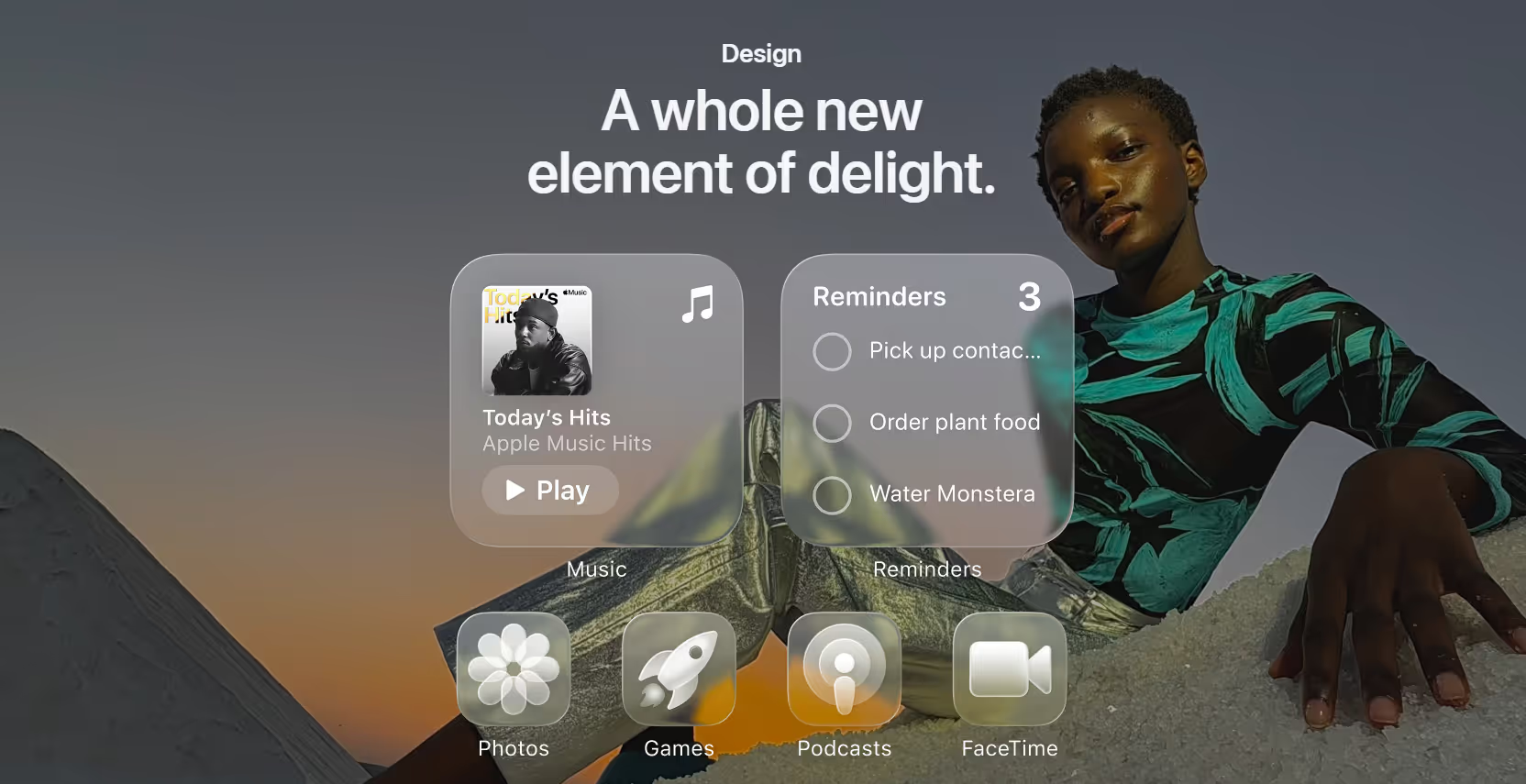
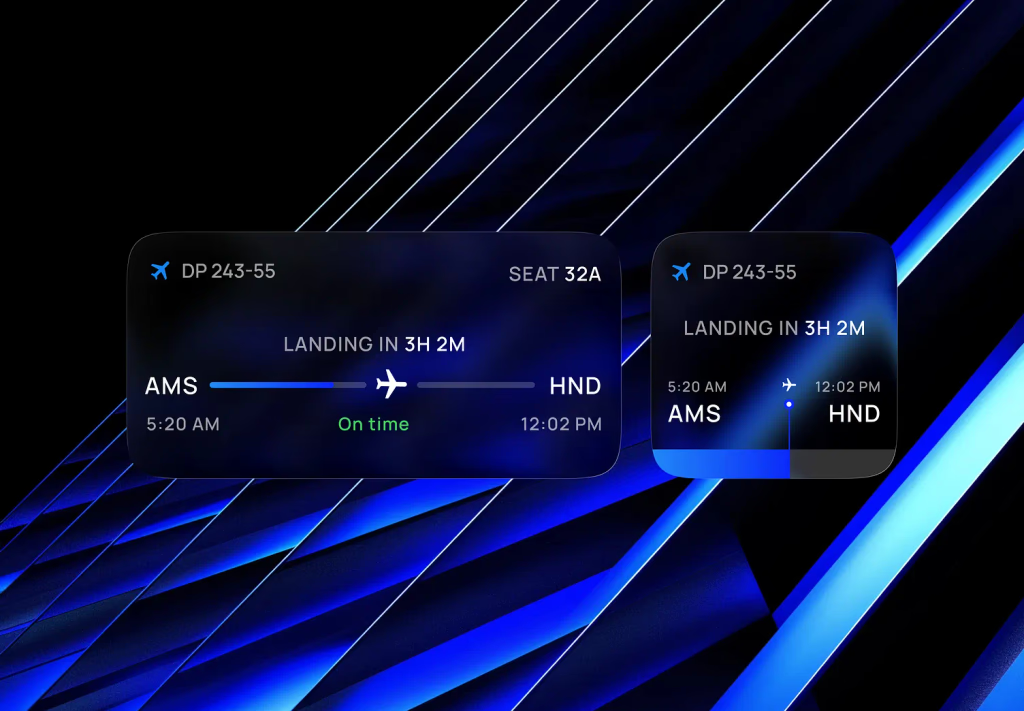
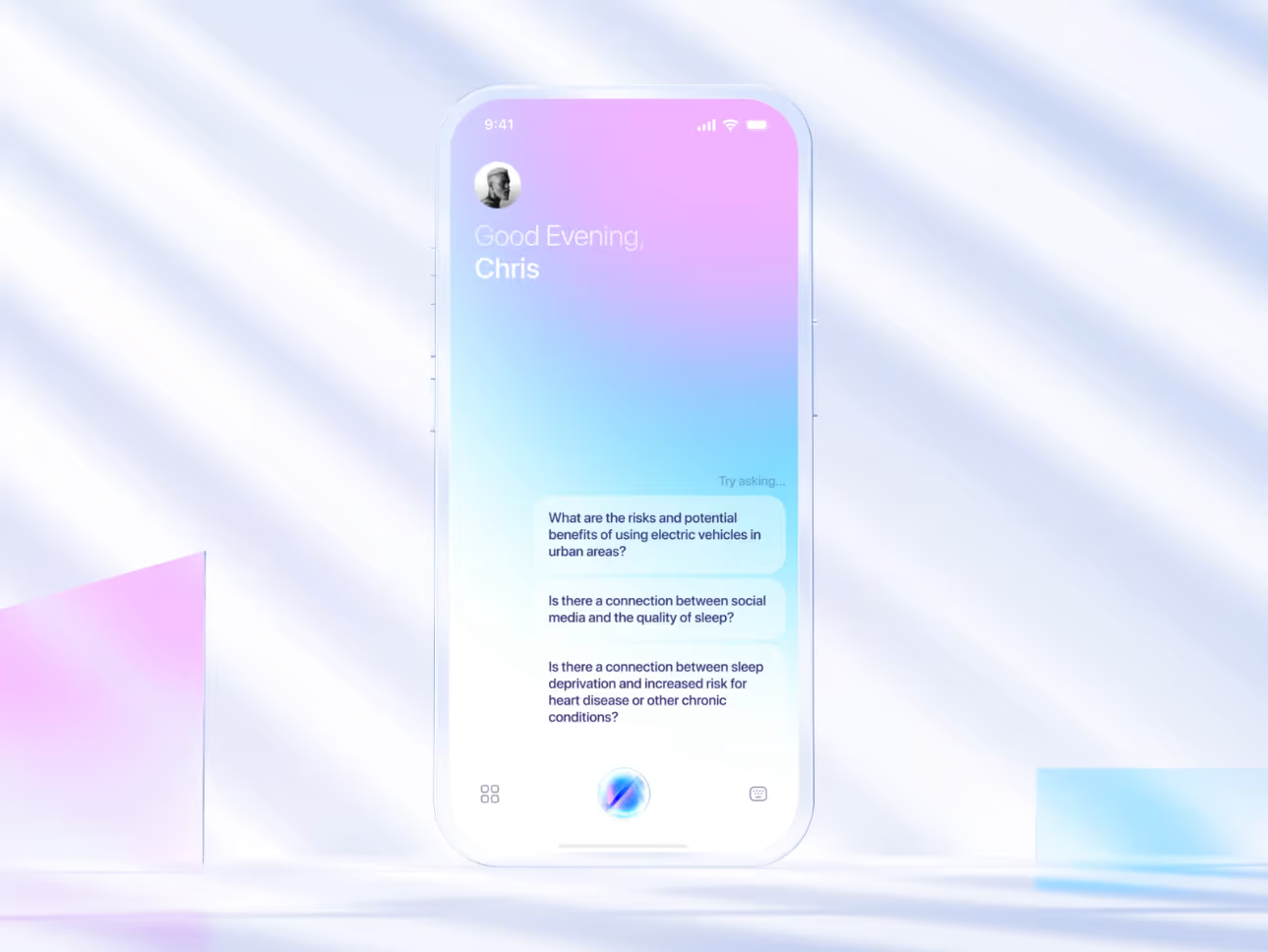
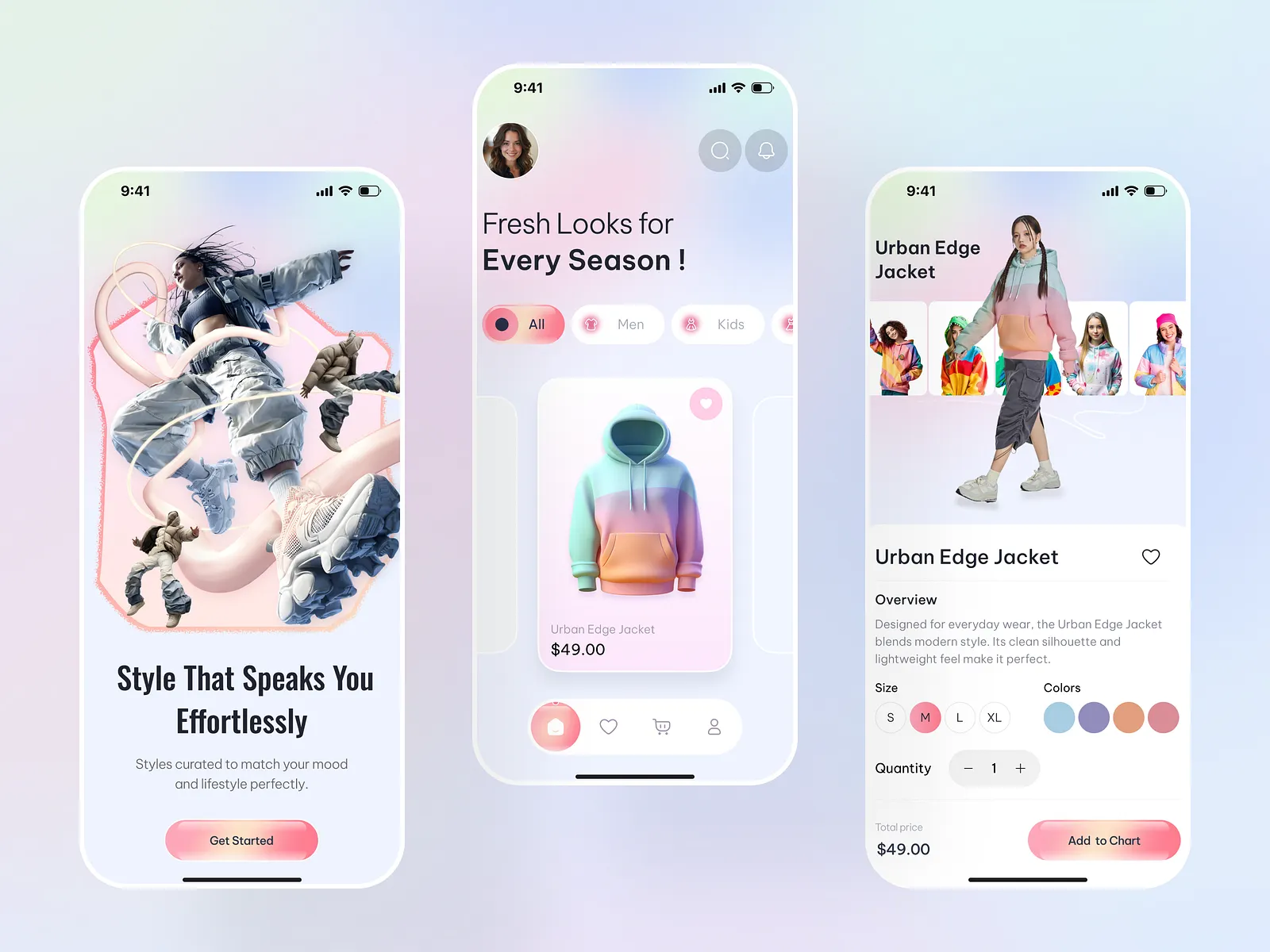
Liquid Glass describes a material design language where interface elements exhibit fluid translucency, refraction, dynamic shimmer, and responsive viscosity, allowing controls, backgrounds, and icons to morph, blend, and react to user input and environmental light.
Flat and minimal design dominated for years, but as hardware rendering improved and AI-driven experiences demanded richer feedback, static effects no longer conveyed depth or hierarchy effectively. Apple introduced Liquid Glass in its 2025 software updates, creating a unified language across devices that treats interface elements as dynamic materials rather than fixed layers. This shift addresses the need for interfaces that feel tangible and adaptive in dense, content-rich environments while maintaining legibility and focus on primary tasks.
Why It Works
Human perception relies on spatial cues like light refraction and subtle motion to understand layering and priority. Liquid Glass provides these cues naturally: translucency creates depth without harsh borders, reflectivity ties the interface to the physical world, and viscosity gives tactile feedback during gestures. These elements reduce scanning effort and signal interactivity intuitively, leading to faster comprehension and lower perceived complexity.
Who It's For
This pattern suits applications with high visual density, such as media browsers, productivity suites, design tools, and e-commerce platforms, where users benefit from a clear hierarchy without sacrificing screen space. It fits less well in high-contrast data tables or accessibility-focused environments where transparency can reduce legibility unless carefully tuned.
Define material properties early, including refraction strength for background distortion and viscosity thresholds for merge behaviors during scroll or drag
Prototype in tools that support real-time rendering to test across lighting conditions and device types
Adjust for accessibility preferences by offering reduced transparency modes and monitoring contrast ratios
Integrate with motion systems to ensure elements respond smoothly to gestures without distracting from content
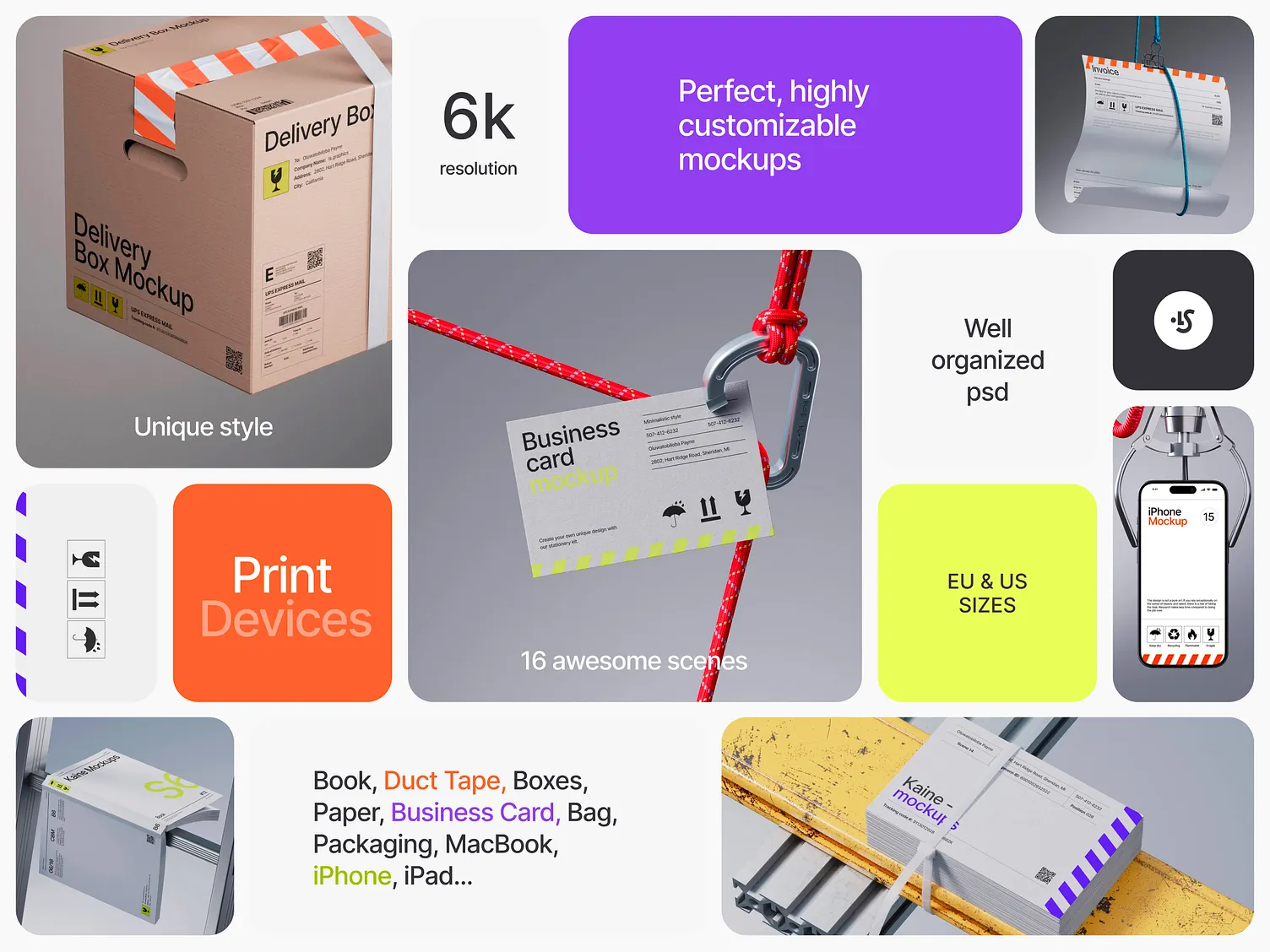
Bento Grids 2.0 extends traditional card-based layouts by incorporating AI to dynamically reorder, resize, and prioritize modules based on user context, behavior, and preferences, creating flexible yet organized information displays.
Original Bento Grids focused on scannability through balanced cards. As personalization demands grew and AI models improved, static arrangements became limiting. The 2.0 version responds to users who expect relevance without manual sorting, adapting layouts in real time to reflect shifting priorities, such as time of day or task stage.
Why It Works
Modular structures match how people process information in brief sessions. Distinct cards support quick scanning, while AI adaptation aligns with changing mental models. This reduces search time and supports decision-making by surfacing pertinent content first, improving satisfaction in variable contexts.
Who It's For
This pattern excels in dashboards, content feeds, e-commerce homes, and SaaS overviews where content volume and user needs vary. It fits less well in linear workflows or regulated interfaces requiring a fixed hierarchy for compliance.
Establish a core library of modules with defined behaviors, sizes, and content priorities
Set AI rules for reordering based on usage patterns, ensuring fallbacks to balanced defaults
Test visual balance across adaptations to avoid clutter in edge cases
Monitor performance metrics like time to key action to refine personalization logic
3. Generative UI (On-Demand Personalization and Situational UX)
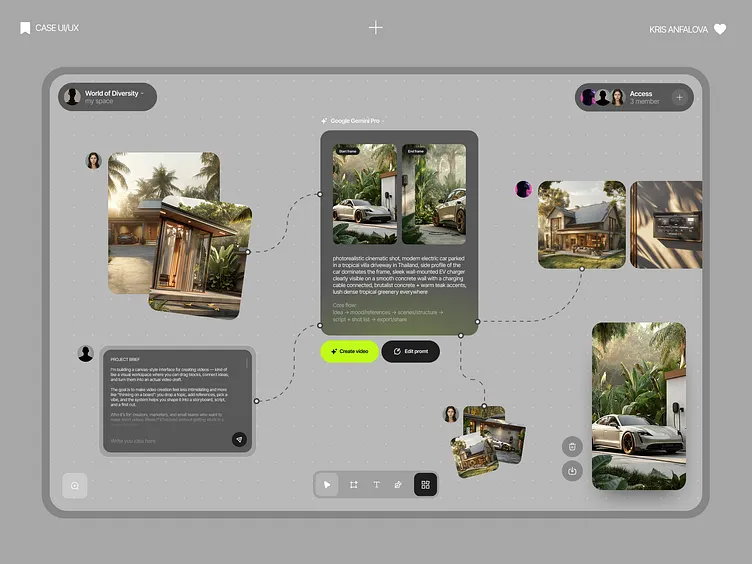
Generative UI assembles interfaces in real time using large language models to match a user's specific task, context, or preferences, replacing predefined layouts with configurations tailored to the moment.
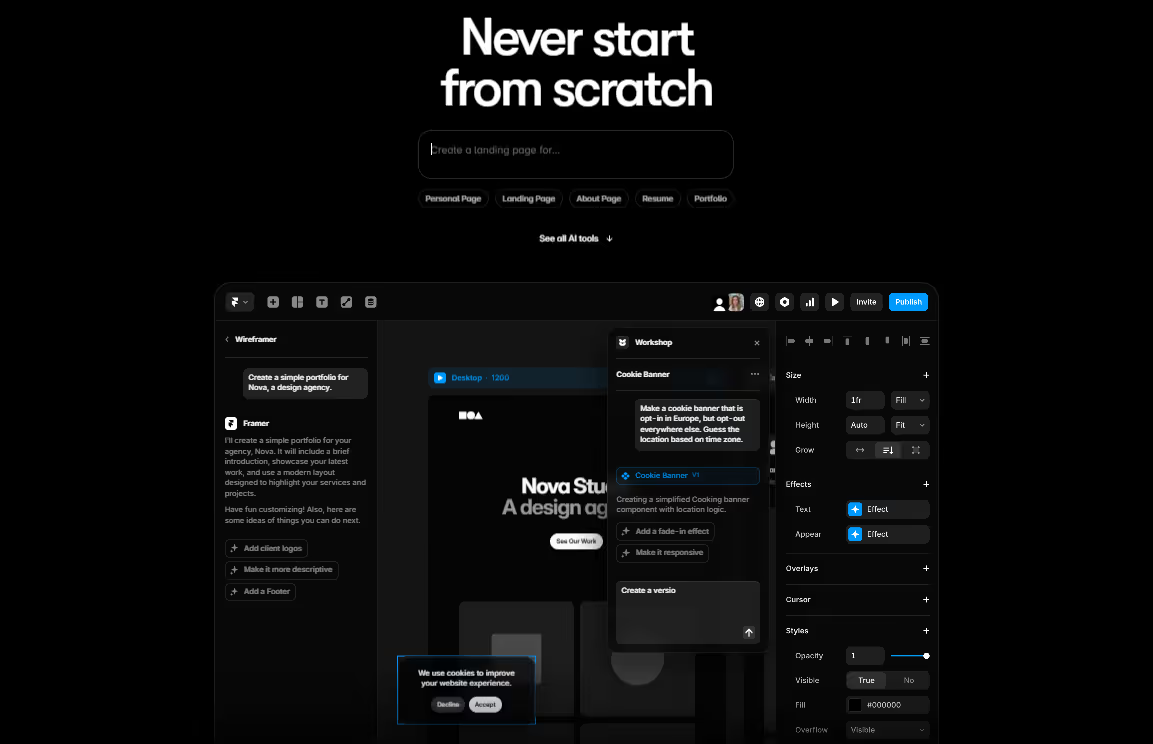
Static designs struggle with diverse user intents and rapid context changes. Advances in generative models, such as those from Google and Framer AI, enable the creation of interactive, expert-level components from prompts, shifting design from fixed templates to dynamic generation.
Why It Works
Interfaces that mirror situational cognition reduce mismatch between user goals and available options. On-demand creation lowers barriers to effective use by presenting relevant controls and information immediately, supporting fluid workflows and decreasing cognitive overhead.
Who It's For
This approach suits productivity tools, data analysis platforms, communication apps, and research environments with variable tasks. It fits less well in safety-critical systems or brand-controlled experiences where predictability and consistency take precedence.
Define design tokens, accessibility rails, and brand constraints to guide generation outputs
Develop prompt frameworks that incorporate user context and evaluate results against usability criteria
Build review mechanisms to catch deviations before deployment
Integrate feedback loops to refine models over time based on real usage
4. Purposeful Micro-Interactions and Motion
Purposeful micro-interactions deliver subtle, functional animations and haptic feedback that confirm actions, indicate status, and guide attention without overwhelming the user.
As automation increased, users needed clear signals of system understanding. Motion shifted from decorative to essential, providing immediate confirmation and reducing perceived latency in responsive interfaces.
Why It Works
Brief cues leverage perceptual psychology to convey completion or progress. Consistent, restrained motion builds predictability, lowers uncertainty, and teaches system behavior, contributing to overall confidence and efficiency.
Who It's For
This pattern applies broadly to forms, buttons, loading states, and navigation in most applications. It requires careful tuning in low-motion preferences or text-heavy contexts to avoid distraction.
How to Use It
Map specific animations to states, such as button depressions for taps or progress indicators for processing
Use easing functions and timing that feel instantaneous without excess duration
Prioritize utility in animation libraries and test for accessibility compliance
Combine with haptics for multi-sensory confirmation, where hardware supports it
5. Agentic UX (The Shift from Interaction to Autonomous Collaboration)
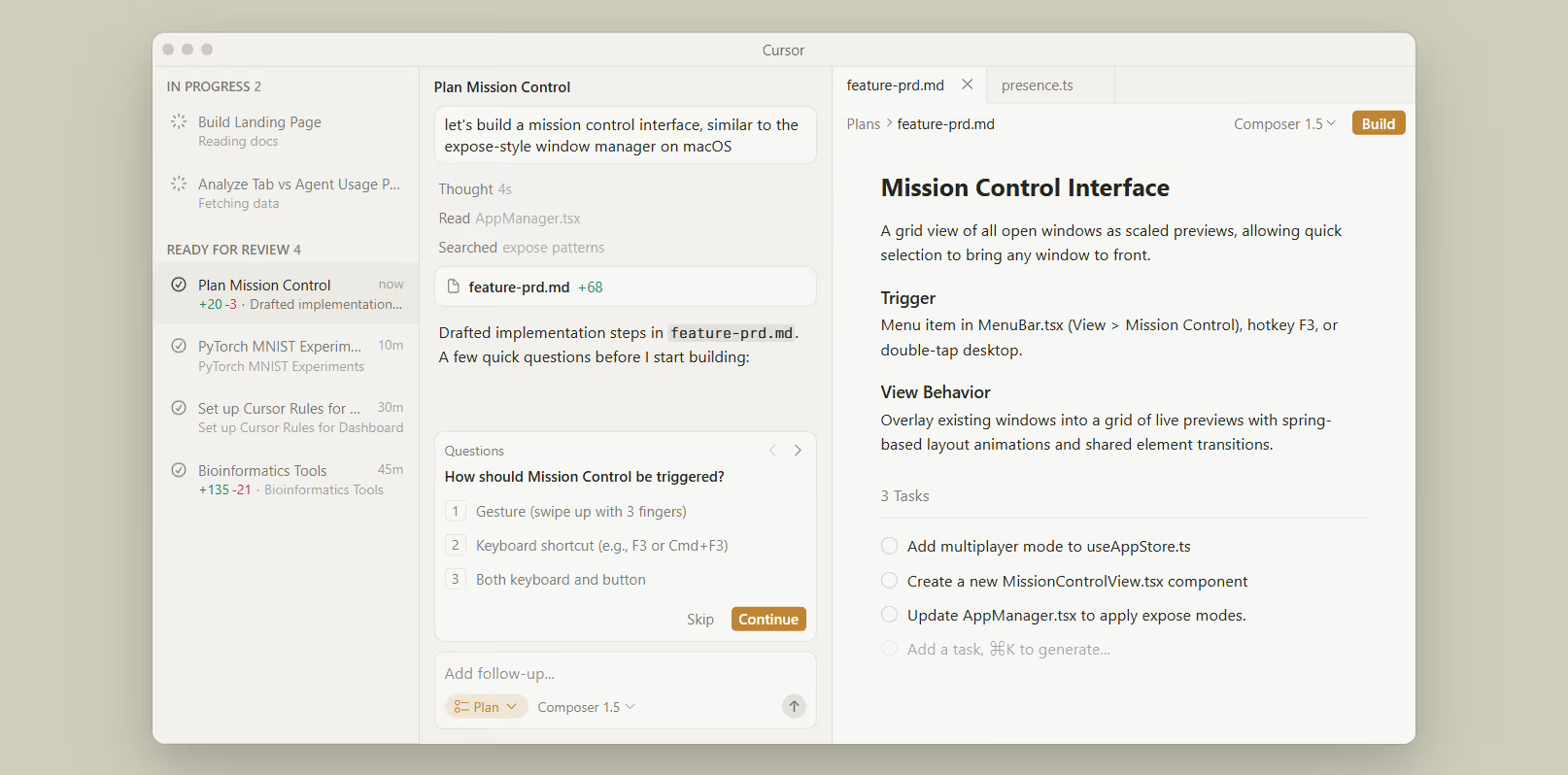
Agentic UX centers on autonomous AI agents that plan, execute, and coordinate tasks, with the interface appearing mainly at points of validation, override, or handoff.
Reactive models impose a high management load. Advances in agentic AI, including orchestration frameworks and runtime environments, allow systems to handle multi-step processes autonomously, freeing users to focus on outcomes.
Why It Works
Delegation aligns with goal-oriented behavior, reducing active input, while transparent handoffs maintain oversight. This structure builds trust through visible reasoning and preserves human control in critical moments.
Who It's For
It fits complex workflows in planning, research, enterprise operations, and productivity suites. It suits creative or judgment-heavy tasks less well, needing constant human direction.
Map agent lifecycles and define escalation points for user intervention
Craft clear displays of reasoning, progress, and outcomes at handoffs
Prototype override mechanisms and test for alignment with user intent
Monitor agent performance to refine coordination and error handling
6. Ambient AI (Assistive Interfaces that Disappear)
Ambient AI provides background intelligence that anticipates needs and acts without direct commands, surfacing UI elements only when confirmation or correction is required.
Constant interaction causes fatigue. Sensor-rich environments and consolidated AI enable proactive systems that operate quietly, appearing only when necessary to preserve user flow.
Why It Works
By respecting attention limits, ambient assistance reduces friction in routine tasks. Subtle cues or deferred surfaces maintain context without interruption, supporting sustained engagement.
Who It's For
This pattern suits smart environments, scheduling, wellness tracking, and routine management. It fits less well in scenarios requiring explicit audit or precise control.
Script background behaviors with accurate intent prediction
Design minimal cues like notifications or glanceable surfaces for confirmation
Build robust fallbacks for incorrect predictions
Test inference accuracy in varied contexts to ensure reliability
7. Voice and Gesture Interfaces (Multimodal Blending for Natural Interactions)
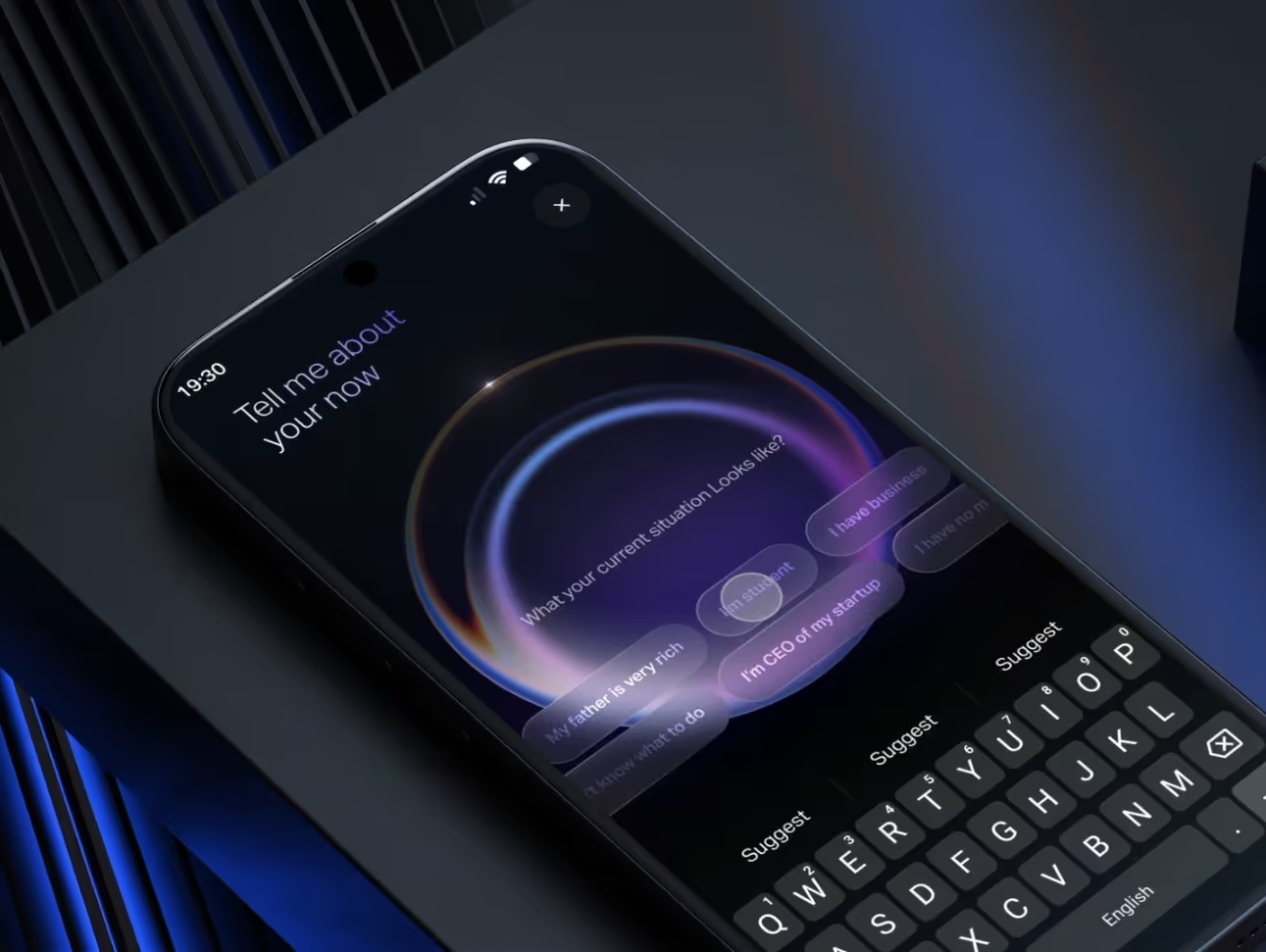
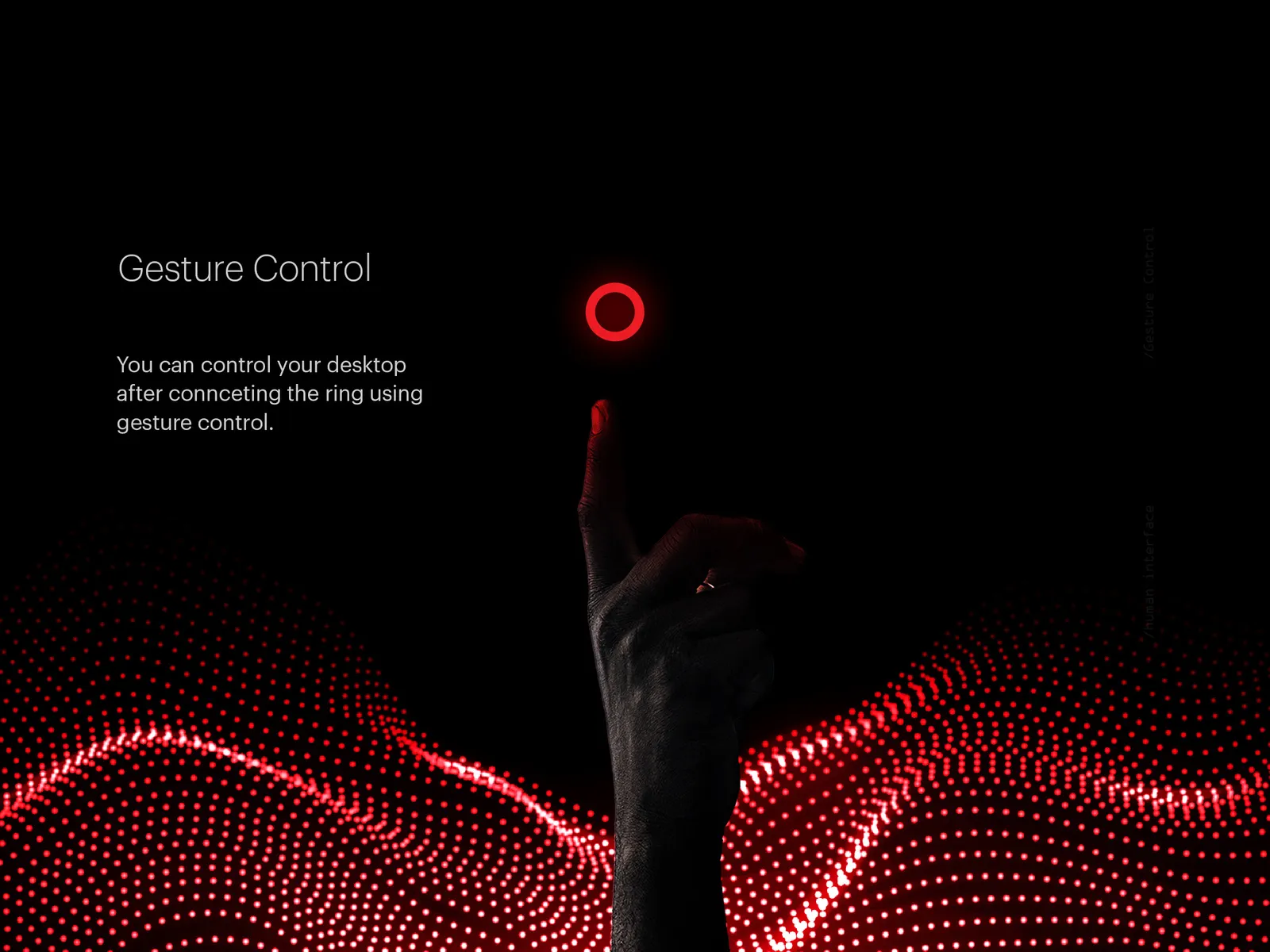
Voice and gesture interfaces mature through multimodal blending of inputs, enabling hands-free, context-aware interactions that combine speech, touch, eye-tracking, and gestures for intuitive control across devices.
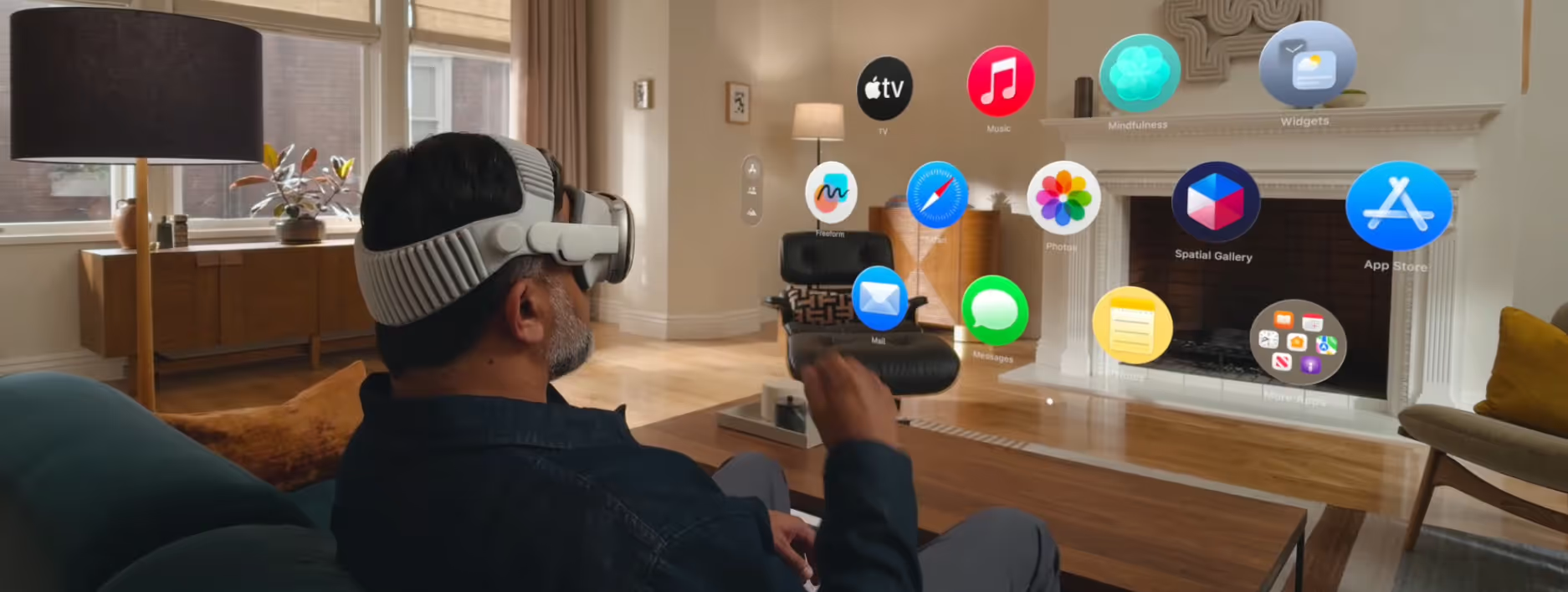
Traditional touchscreens limit mobility and multitasking. With hardware like Apple's Vision Pro and improved sensors in wearables, 2026 sees widespread adoption of multimodal systems that interpret combined inputs naturally, responding to voice commands enhanced by gestures or environmental context for more accurate, fluid experiences.
Why It Works
Multimodal blending mimics human communication, reducing errors (e.g., voice alone can mishear in noisy settings) and cognitive load by allowing flexible input methods. This boosts efficiency in dynamic scenarios, improves accessibility for diverse users, and enhances satisfaction by feeling intuitive and responsive.
Who It's For
This pattern excels in mobile apps, automotive interfaces, smart homes, AR/VR environments, and productivity tools where hands-free operation adds value. It fits less well in precision tasks or quiet, text-heavy workflows requiring deliberate control.
Define input hierarchies, prioritizing voice for commands and gestures for refinements, with fallbacks for single modes
Prototype blends in tools supporting real-time simulation, testing across noise levels, and device types
Ensure accessibility by offering customizable sensitivity and visual/haptic confirmations
Integrate with privacy settings to manage always-on listening or tracking, aligning with user consent
8. Tactile Maximalism and Textures
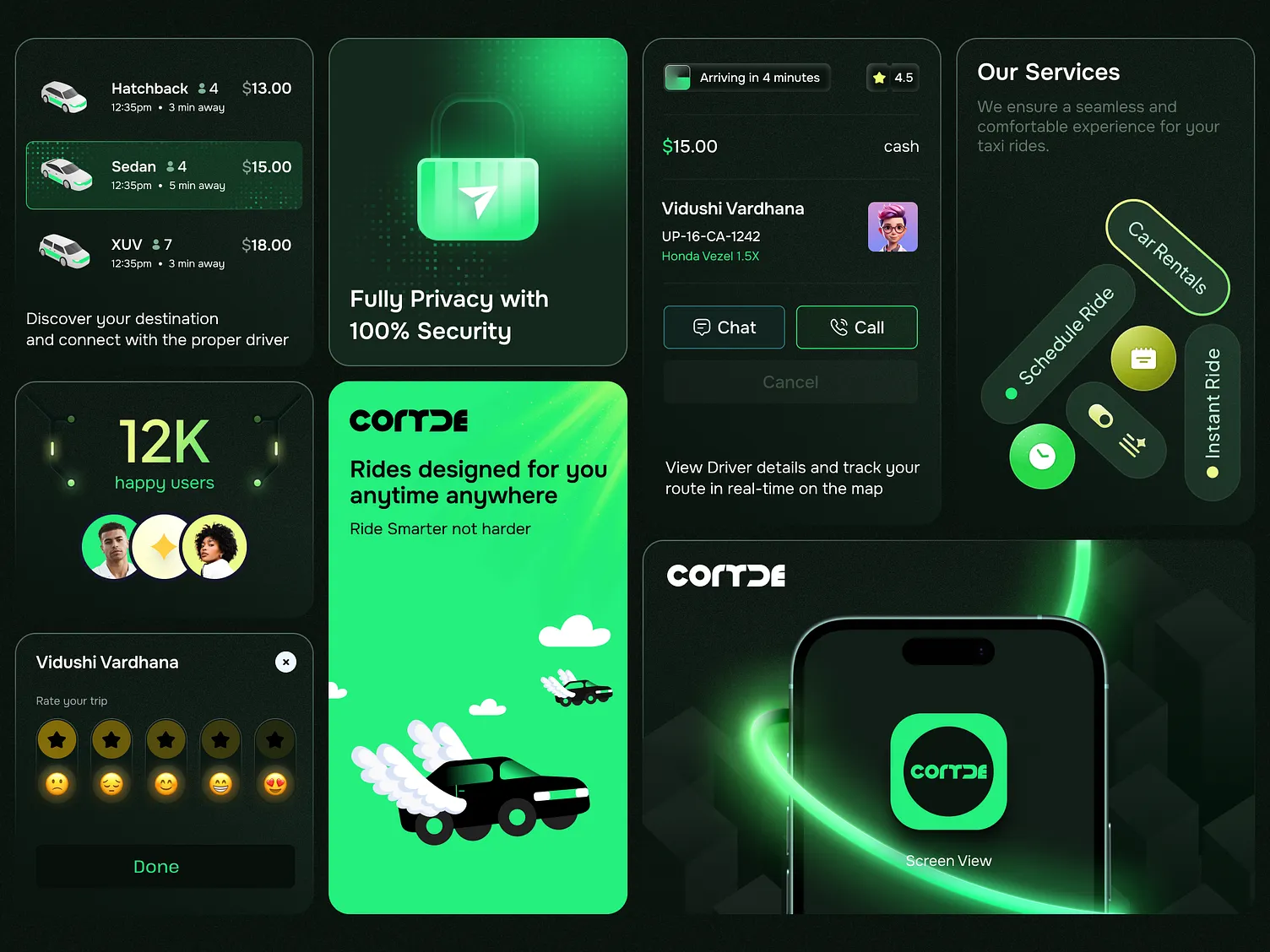
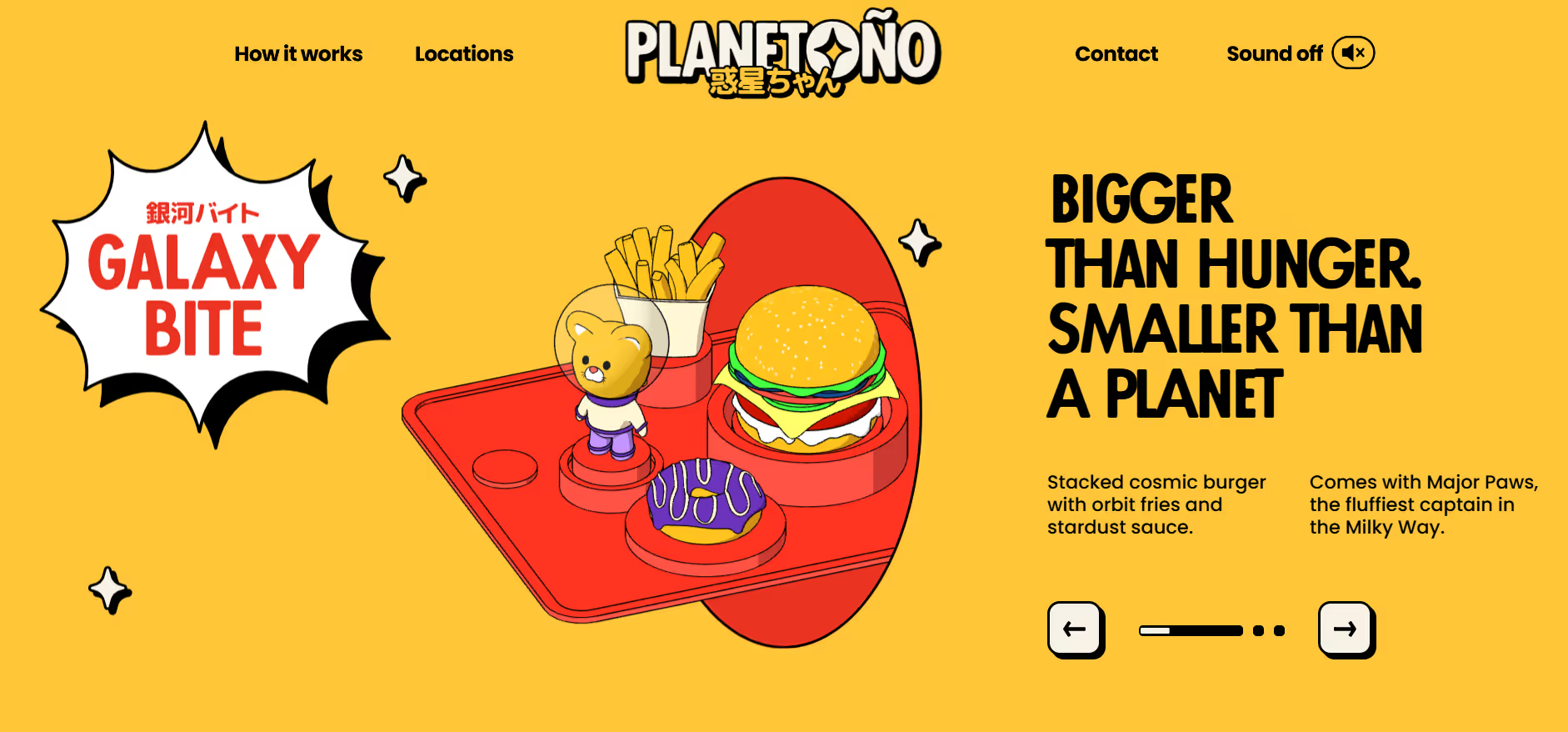
Tactile maximalism features textured, deformable elements that mimic physical materials like jelly, clay, or chrome, often with bounce and micro-refraction to evoke emotional resonance.
Flat minimalism led to digital fatigue. Advances in rendering and haptics enabled expressive textures that counter abstraction and foster connection.
Why It Works
Implied tactility through visuals and haptics evokes emotional response, making interfaces memorable and engaging while maintaining functionality.
Who It's For
This pattern suits consumer brands, creative tools, and expressive applications. It fits less well in professional or data-intensive contexts, prioritizing clarity.
Prototype volumetric assets in 3D tools and layer textures with interaction states
Balance expressiveness with legibility through testing
Combine with haptics for reinforced feedback
Apply selectively to key elements rather than entire interfaces
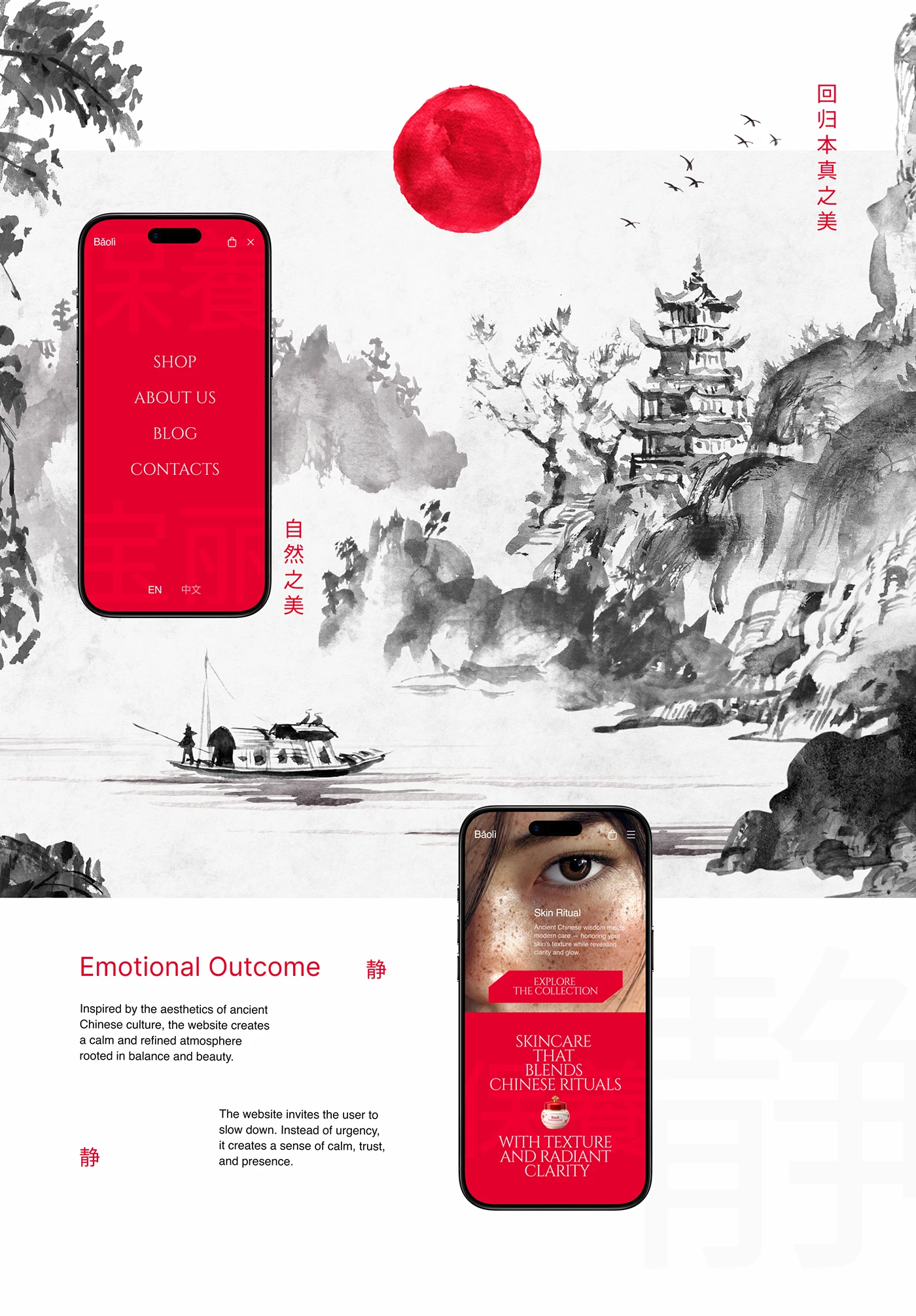
9. Hyper-Local Vernacular and Cultural Flavor
Hyper-local vernacular integrates region-specific typography, patterns, symbols, and imagery drawn from cultural heritage to create authentic, resonant experiences.
Globalization homogenized designs, reducing emotional ties. Localized elements address this by reflecting lived experiences and strengthening a sense of belonging.
Why It Works
Culturally aligned visuals trigger recognition and trust, deepening engagement and loyalty in targeted communities.
Who It's For
This approach fits regional platforms, social apps, and commerce in specific markets. It fits less well in global enterprise software, needing neutrality.
How to Use It
Collaborate with local contributors to select authentic elements
Integrate vernacular type and patterns thoughtfully
Test resonance within target groups
Maintain flexibility for broader adaptations
10. Immersive Cinematic and Scrollytelling
Immersive cinematic and scrollytelling employ scroll-triggered animations, morphing elements, and paced reveals to guide users through narrative-driven content.
Fragmented attention makes static pages ineffective. Directed motion maintains interest by structuring reveals and building progression.
Why It Works
Sequential presentation aligns with narrative processing, using motion to focus attention and sustain curiosity without overwhelming.
Who It's For
This pattern suits marketing sites, product launches, long-form content, and portfolios. It fits less well in task-oriented tools where speed overrides storytelling.
Sequence key moments along scroll paths with variable transitions
Reinforce narrative through morphing and animation
Provide reduced motion alternatives for accessibility
Test pacing across devices for consistent flow
Honorable Mentions
Several patterns remain influential in 2026, though they did not rank among the primary top 10.
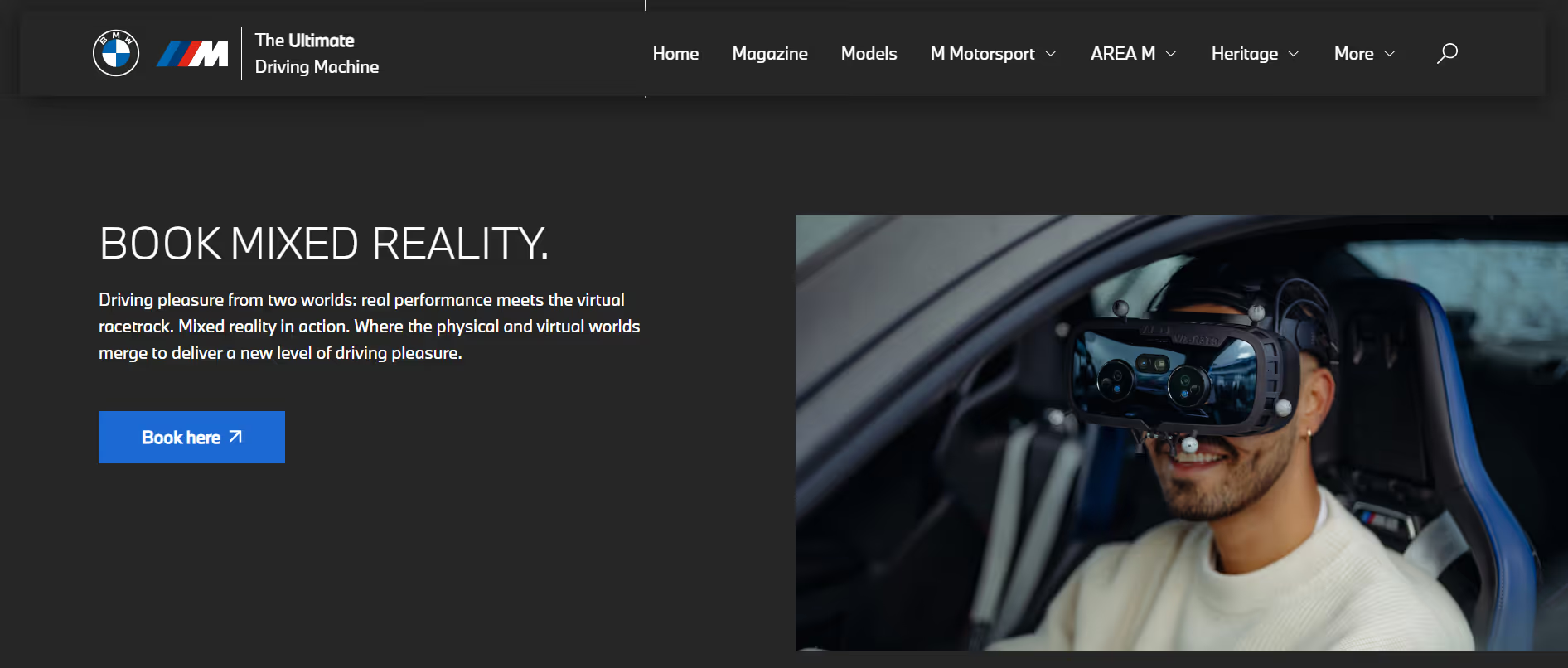
These include XR and mixed reality, where daily integration of spatial computing blends digital and physical worlds through eye and gesture controls, creating depth and immersion.
Explainable and transparent AI remains a core requirement, displaying reasoning steps in plain language and offering user-intervention options to build trust and prevent abandonment.
Ethical and sustainable design emphasizes user control, privacy boundaries, regulatory compliance, and reduced environmental impact across personalization and inclusivity practices.
Neuro-inclusive and calm design incorporates reduced motion, clear hierarchy, muted palettes, adaptive pacing, and spatial generosity to accommodate cognitive diversity and minimize overload.
Spatial computing overall supports broader hardware evolution, enabling new interaction models that prioritize utility and human-centered oversight.
Conclusion
These patterns serve as tools, not mandates. Effective use requires matching them to specific user needs, contexts, and constraints. Restraint prevents accumulation that dilutes clarity. The craft of design rests on judgment that prioritizes usability, trust, and respect for human limits. Thoughtful application of these trends sustains long-term value in an environment where expectations continue to evolve.